



A utility wants to dig up the high street the week of the Christmas market
The permit application is checked against the market as it arrives from Street Manager. The clash is on the coordinator’s Today queue before anyone opens the application.
For UK highway authorities
Fingerpost is where a highway authority’s street works and traffic regulation teams do their day’s work. Permit applications arrive from Street Manager and are checked for clashes as they come in. Traffic orders go from first draft to D-TRO with the legal checks shown on the way, and residents read the same works on your own roadworks site.
Every week
The permit application is checked against the market as it arrives from Street Manager. The clash is on the coordinator’s Today queue before anyone opens the application.
A temporary notice under section 14(2) needs no consultation. Fingerpost writes the notice and the letters to the police and fire service from the order, and puts the closure on the public map.
The works appear on the overrunning watch list. The enforcement view shows the section 74 charge so far and any fixed penalty notices on the permit.
Your public roadworks site shows the closure, the reason, the dates and the diversion. Residents can sign up for email alerts about their street.
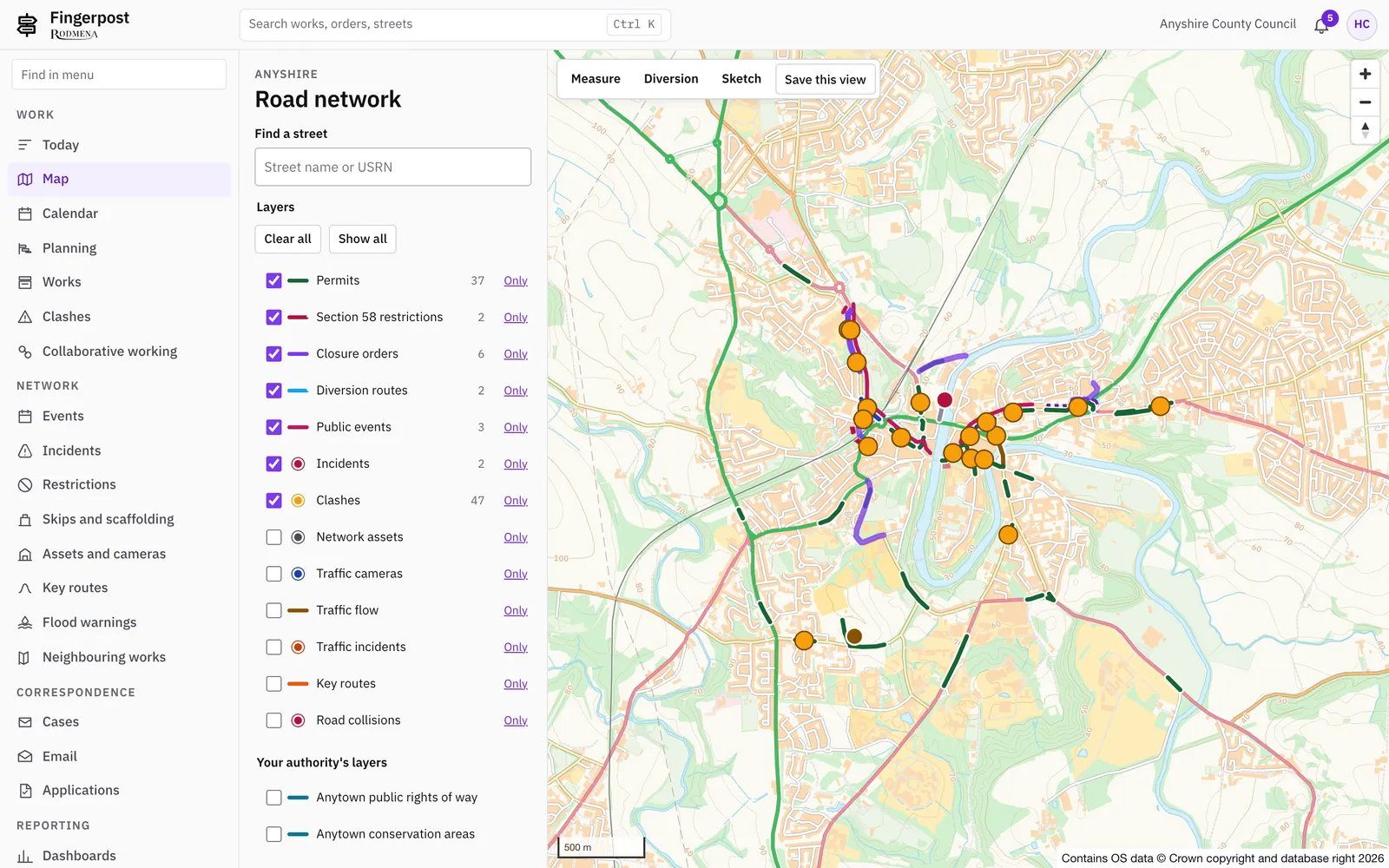
The map
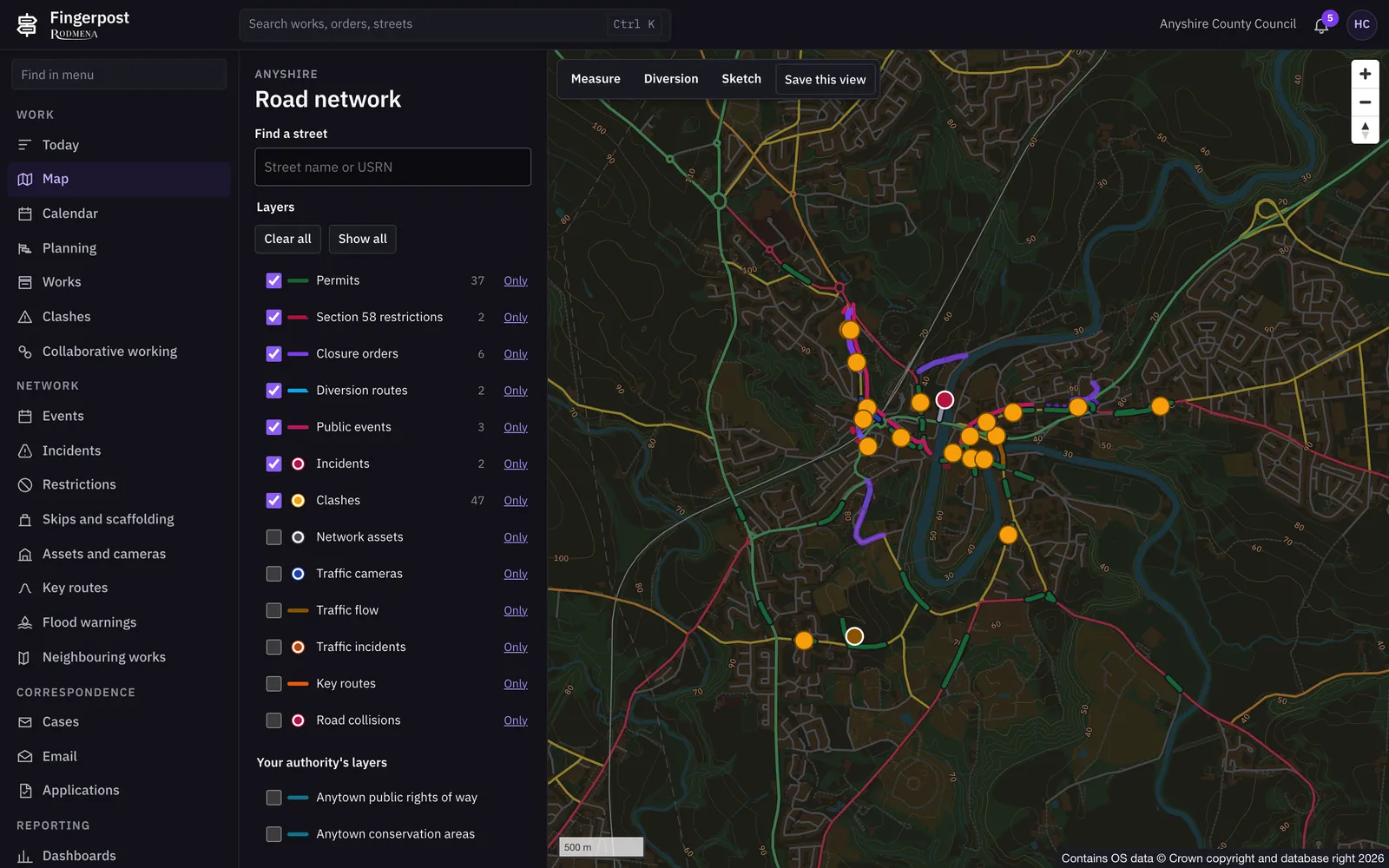
Works, traffic orders, events, incidents and section 58 restrictions sit on a map of your area. Officers switch its thirteen layers on as they need them, and most tasks start with a click on a road.
Today
Applications close to their deadline, new clashes, overrunning works and orders waiting for approval, ranked for the officer who has to act on them.
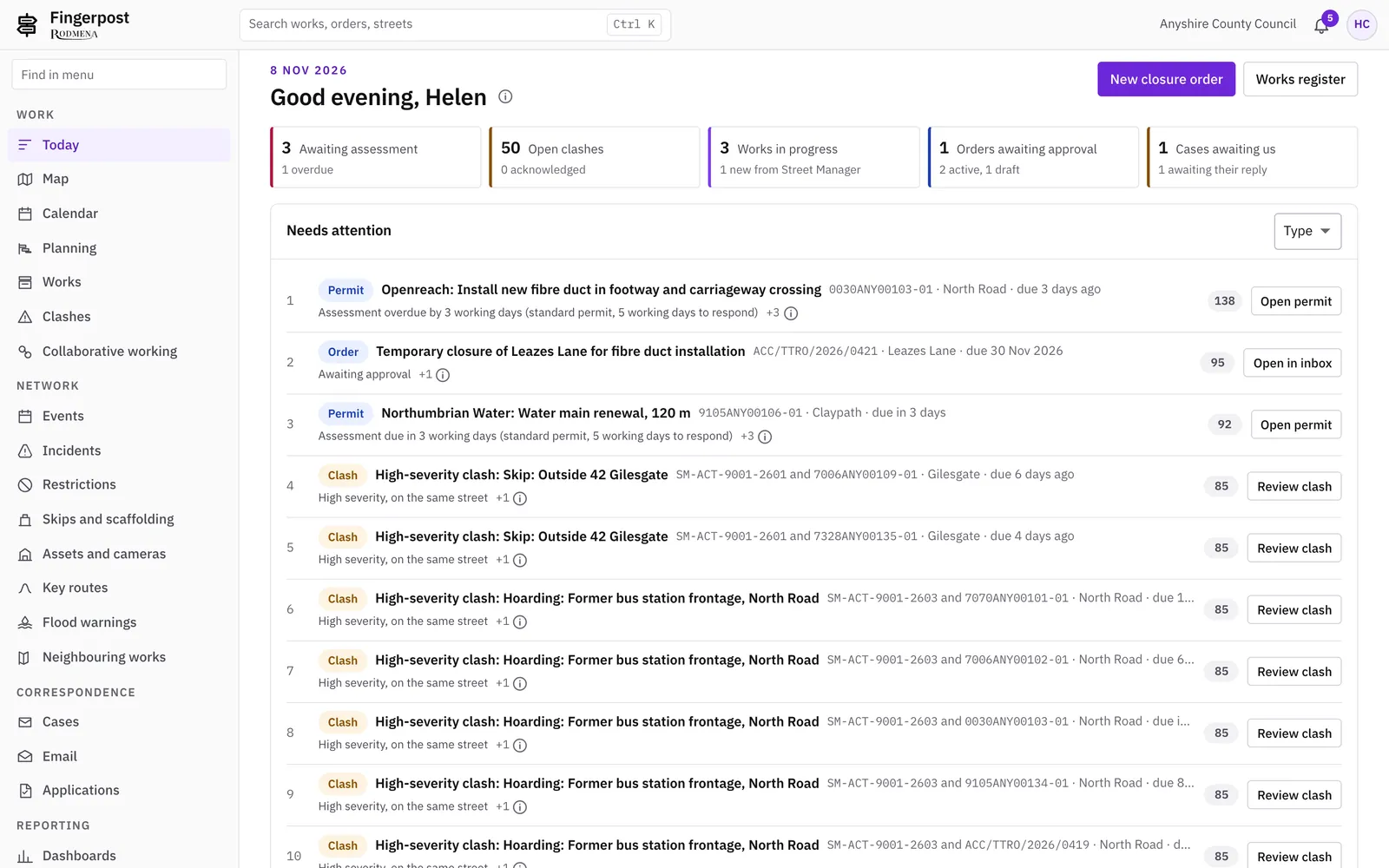
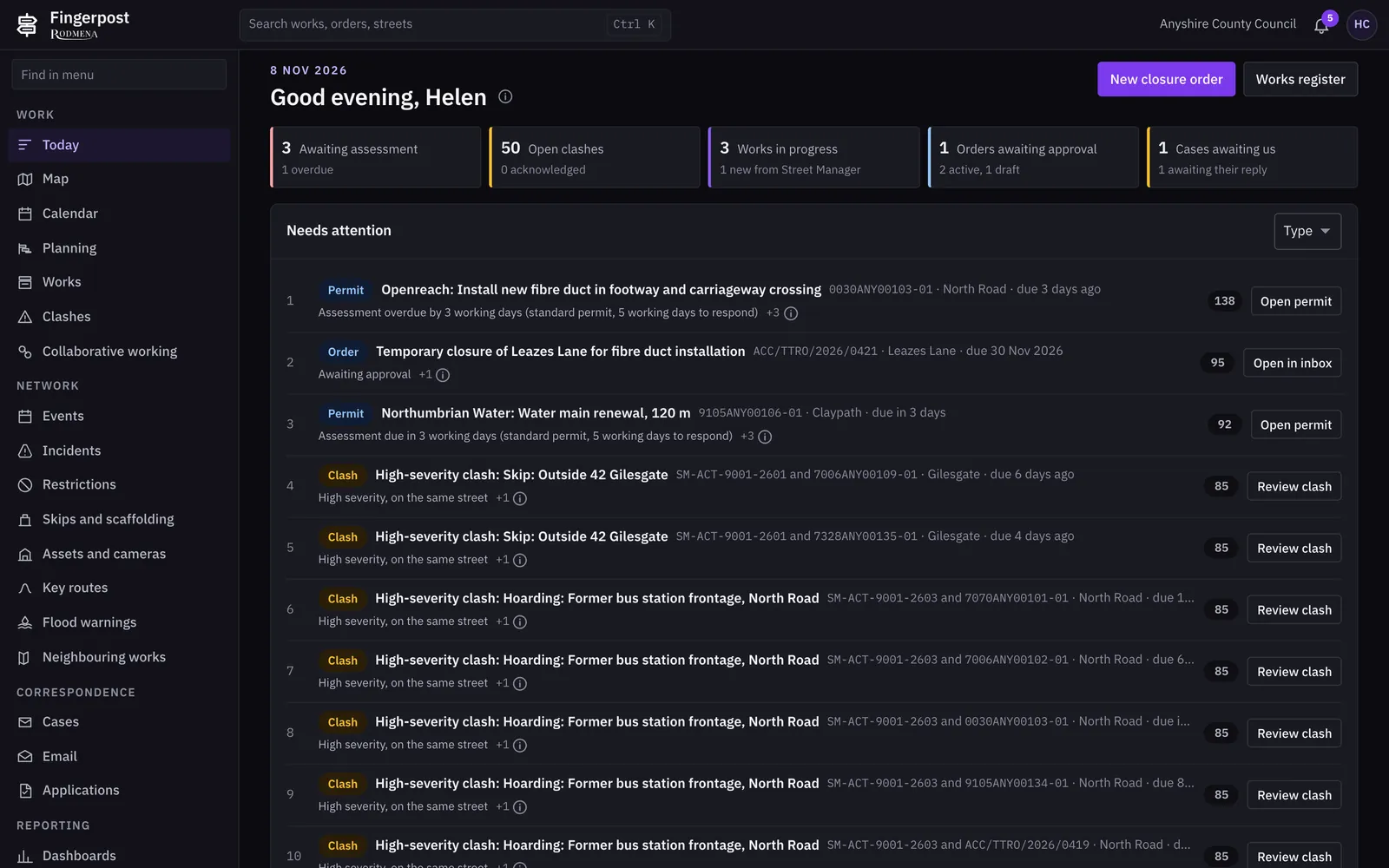
Permits
Conditions, clashes, restrictions, inspections, files and correspondence sit on tabs of the same record. The decision and its conditions go back to Street Manager from here.
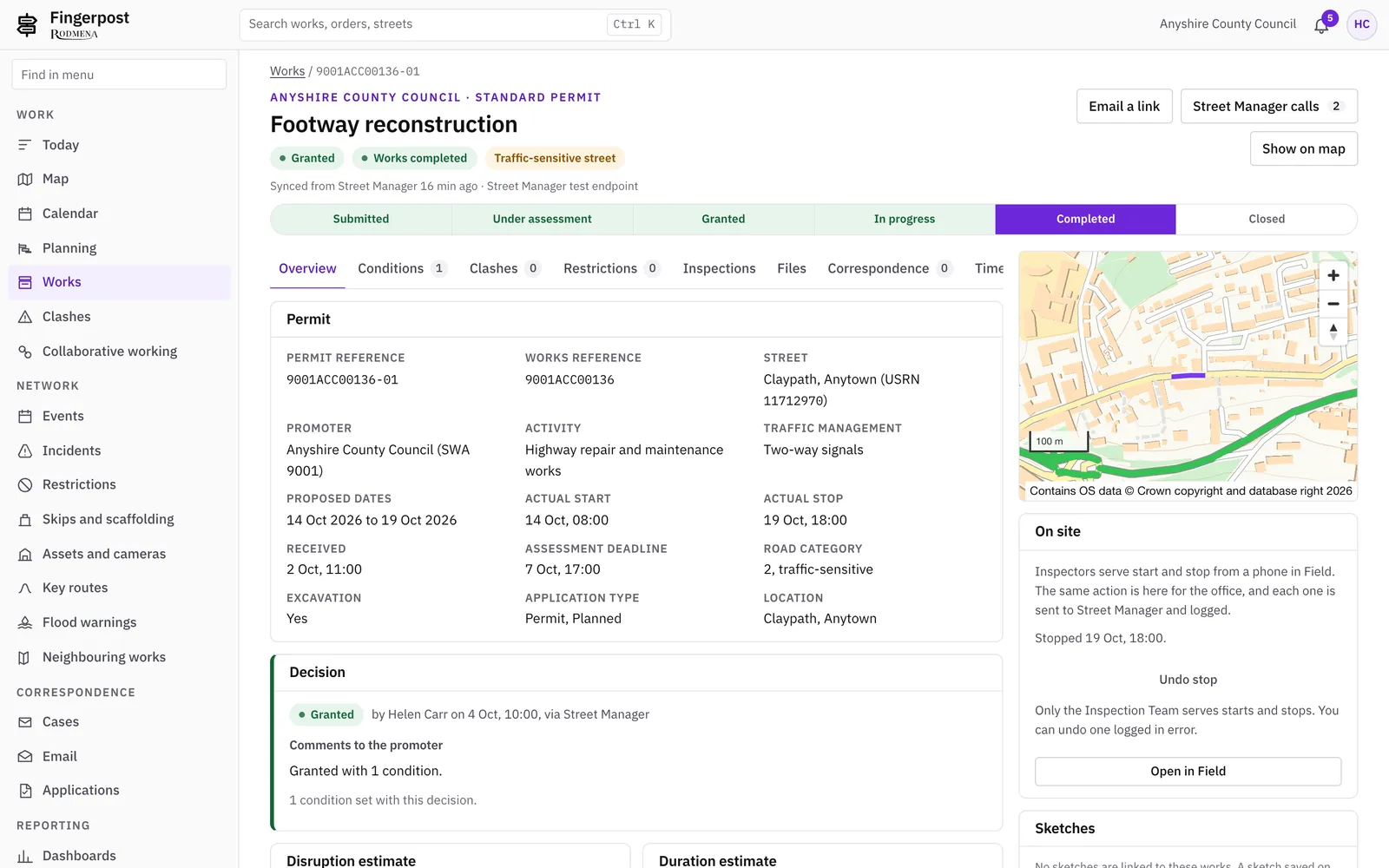
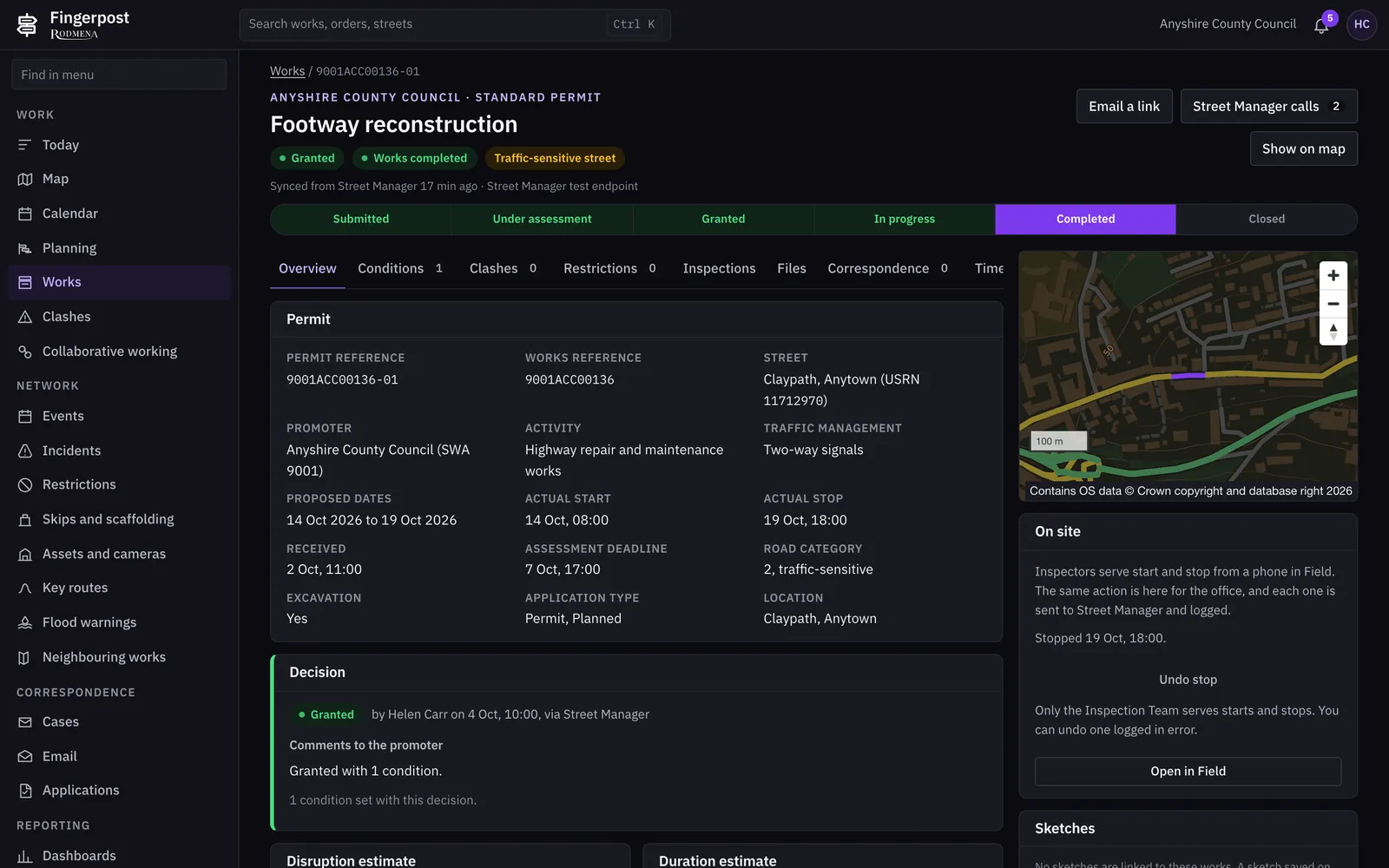
Traffic orders
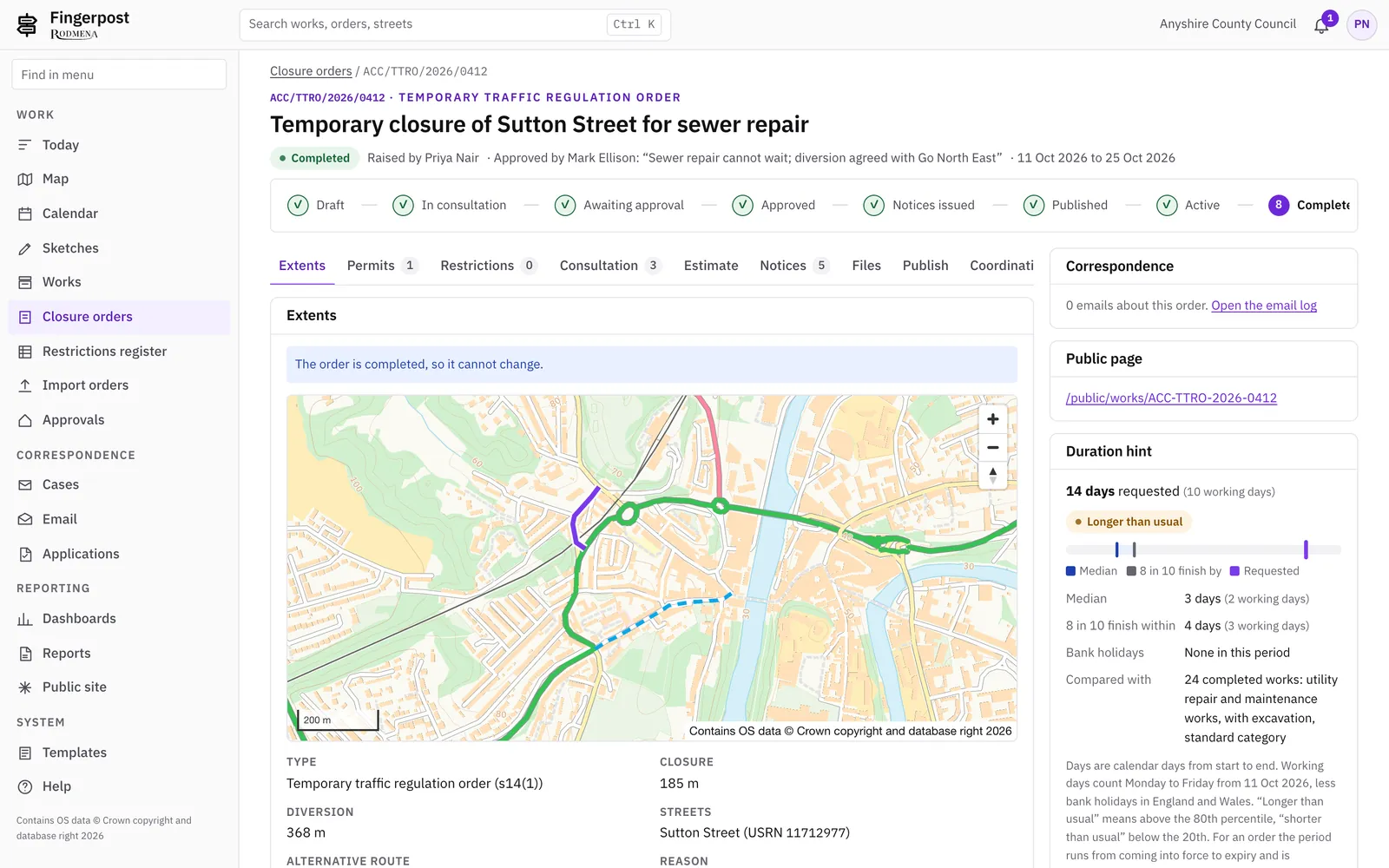
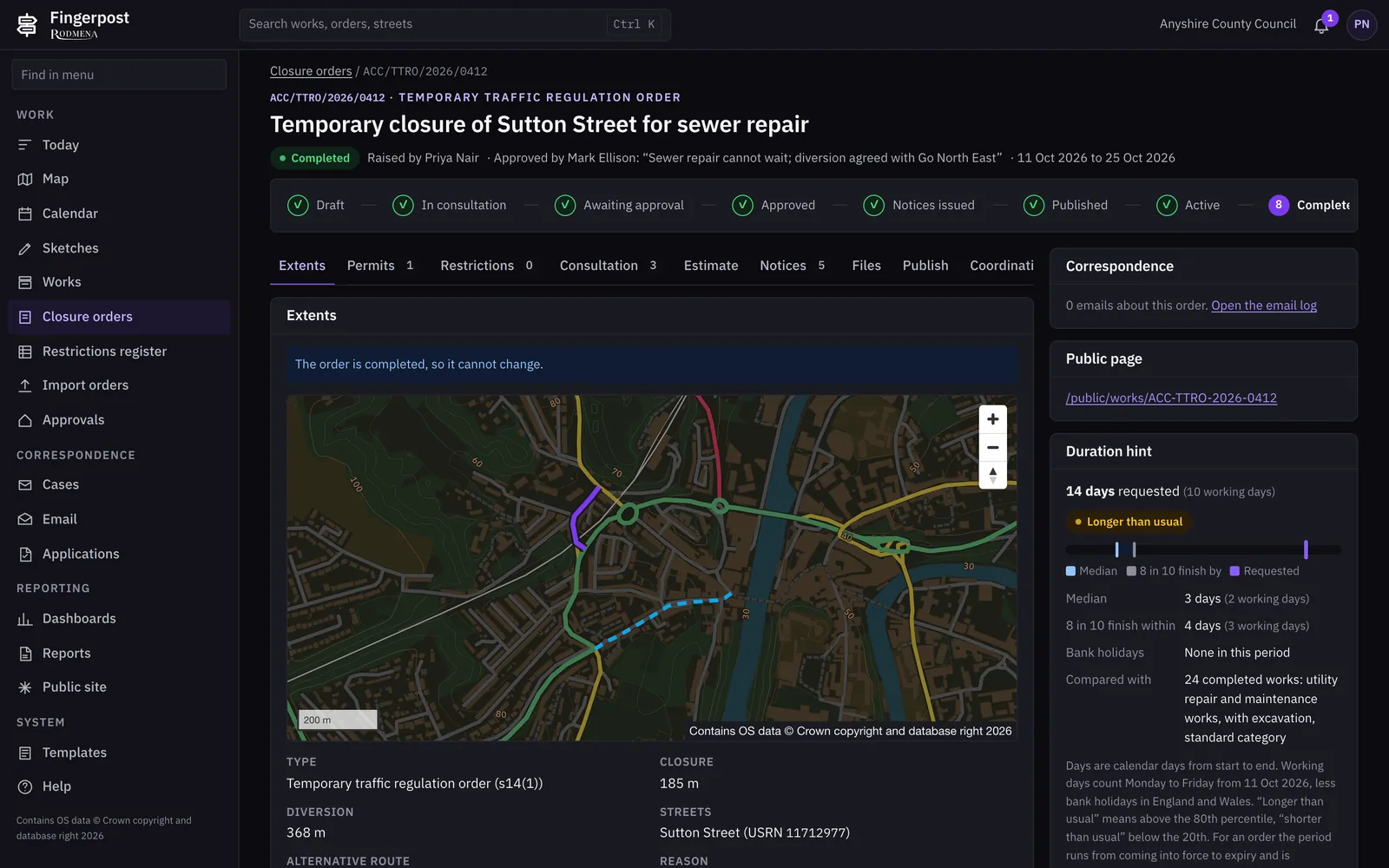
The officer draws the extents on the map. Consultation and objections, the manager’s approval, the statutory notices and publication to D-TRO follow on the order’s own timeline.
Planning
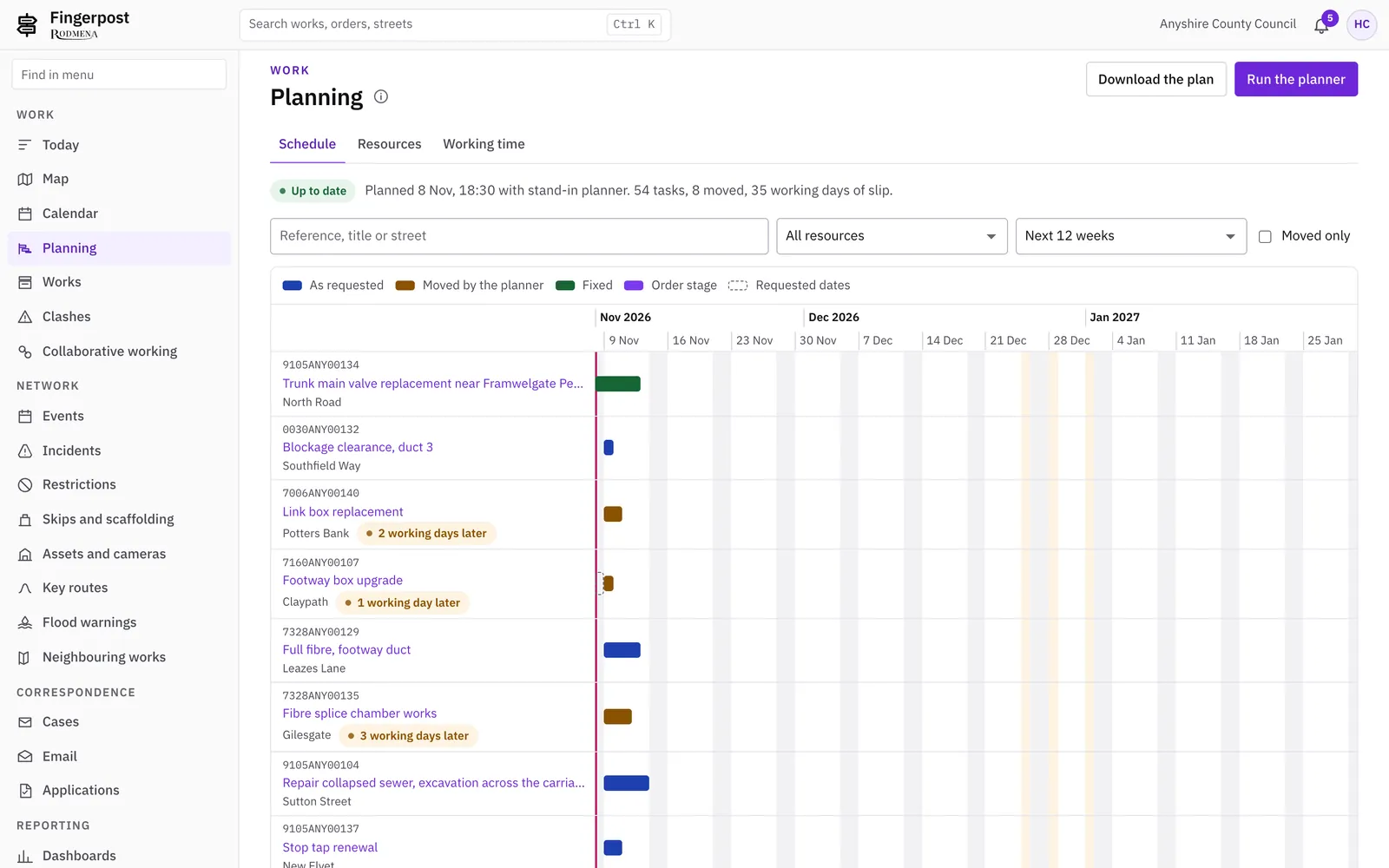
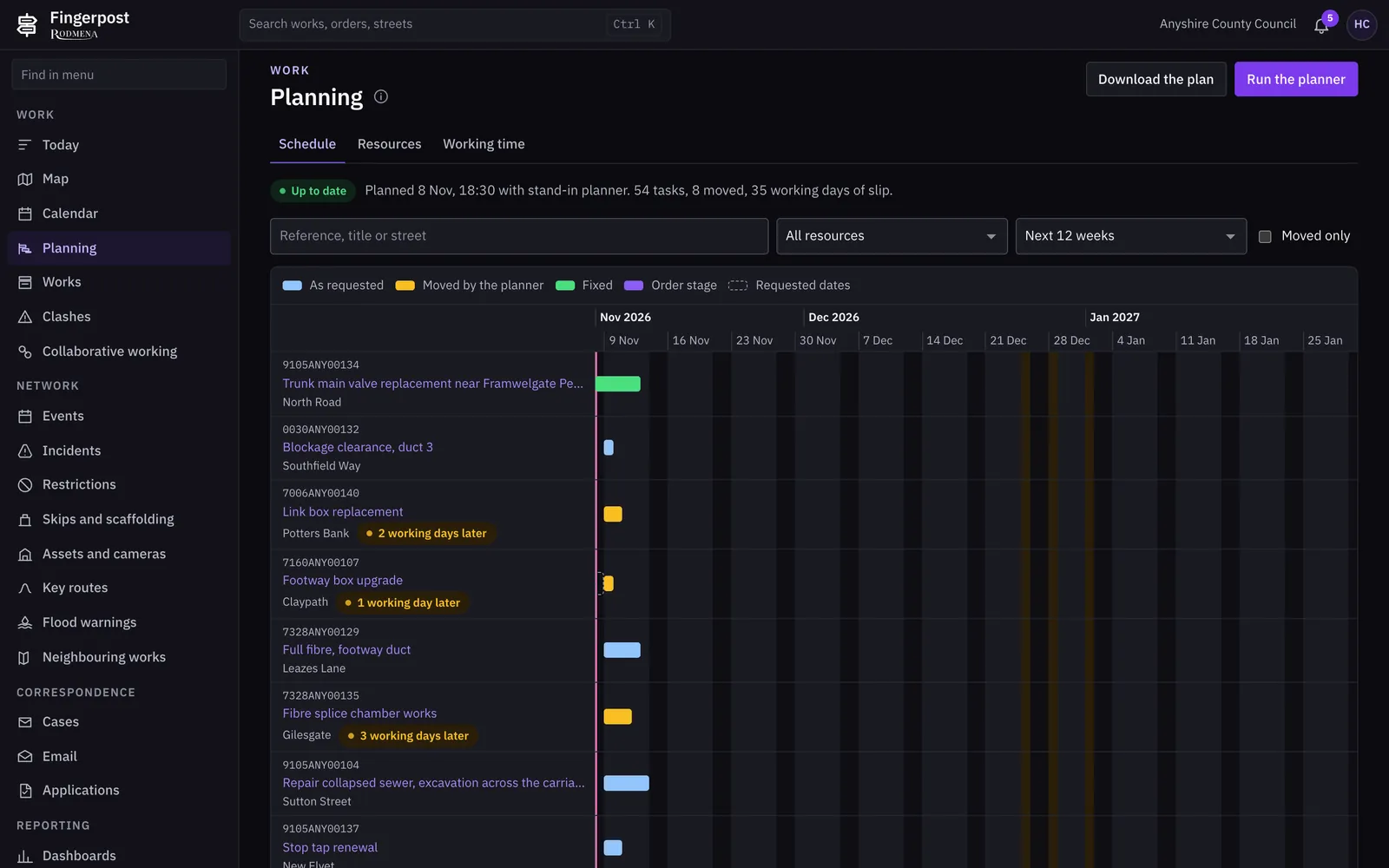
The planner lays out inspections and order deadlines by officer and date on a Gantt chart. The dates it proposes are suggestions and change no record.
Reporting
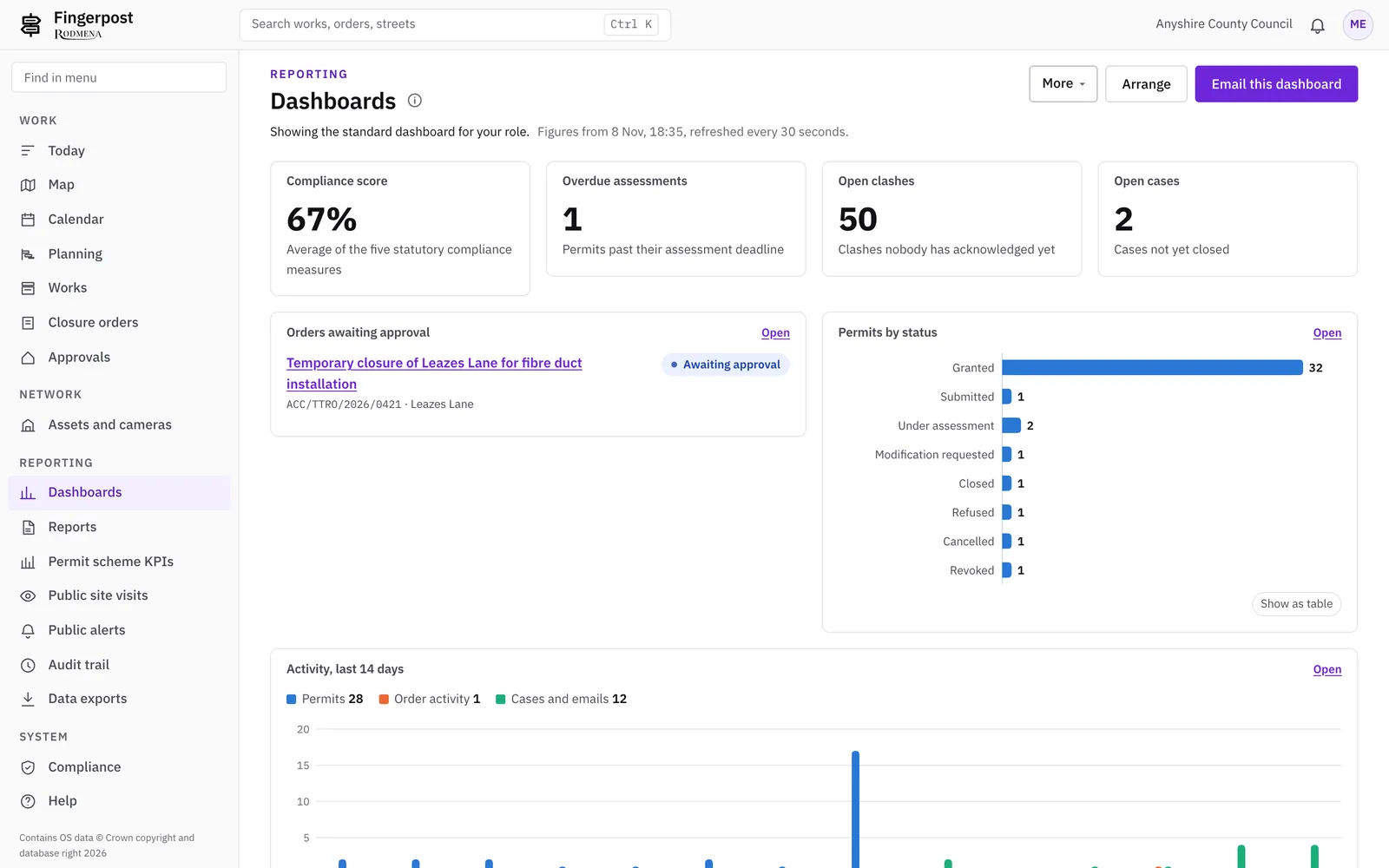
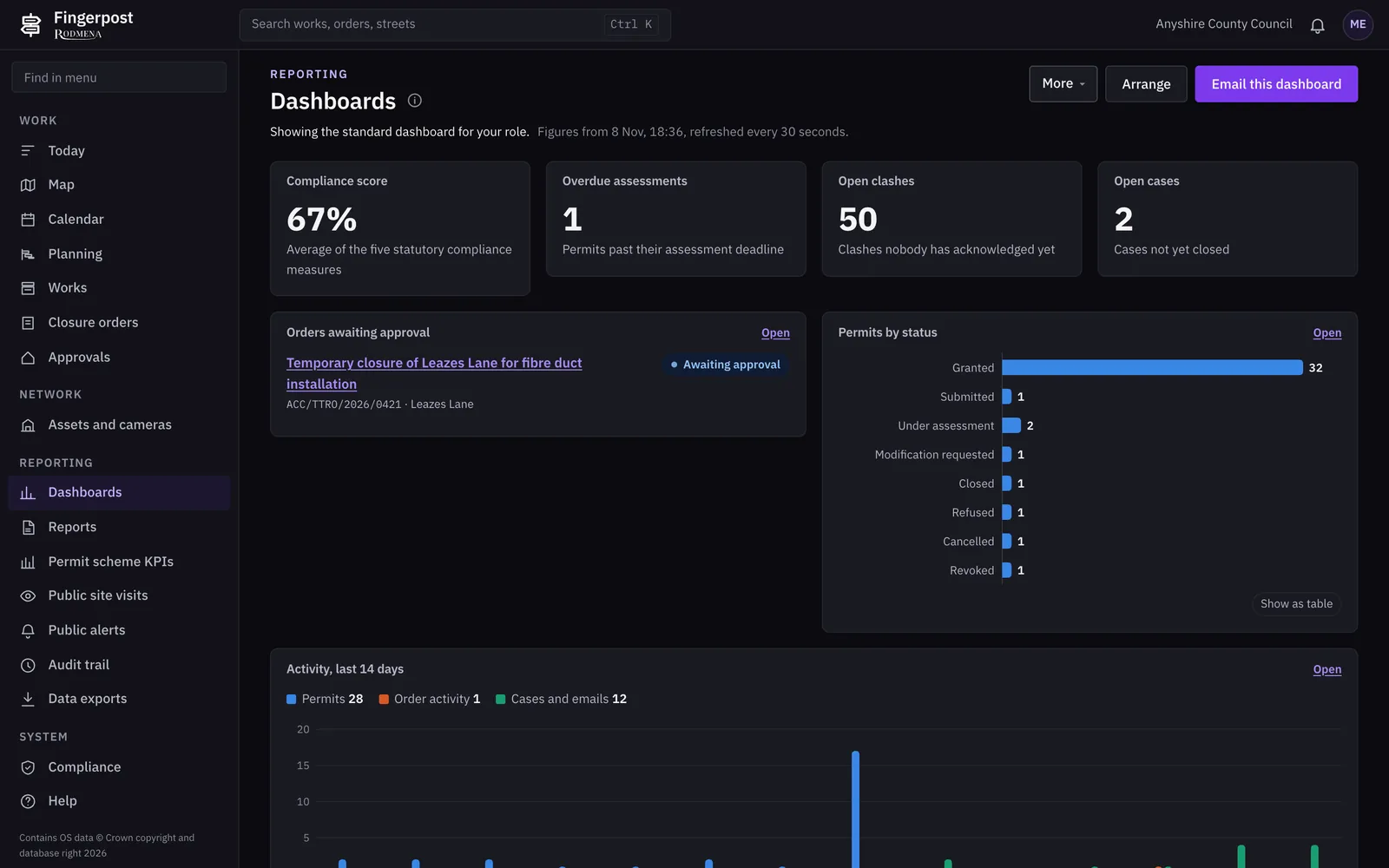
Dashboards for managers, the permit scheme KPIs, and reports that arrive by email on the schedule you set.
The feature set
Permit applications arrive from Street Manager and are decided in Fingerpost. The decision, its conditions and any request for changes go back to Street Manager.
7 featuresFingerpost checks each new permit, order, event and incident against everything else on the network and lists the clashes for a coordinator to resolve.
7 featuresOfficers draft temporary, experimental and permanent orders with the legal checks shown as they write. Each order goes through consultation, approval, notices and publication in one record.
8 featuresMade orders are published to the Department for Transport’s D-TRO service in its 4.0.0 data model, checked against DfT’s published schema before they are sent.
2 featuresOne map of your network with works, orders, events, incidents and assets on it. Officers start most tasks from the map.
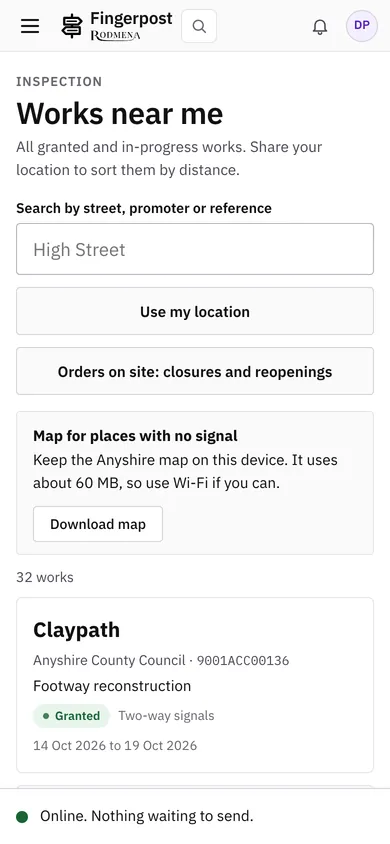
7 featuresInspectors use Fingerpost on a phone. Works starts and stops, notes and photos recorded without a signal are sent when the phone is back online.
6 featuresEnforcement officers see breaches as they happen and issue fixed penalty notices from the permit they relate to.
3 featuresEnquiries, emails and applications from residents and businesses land in Fingerpost and are linked to the works or order they are about.
4 featuresYour own roadworks site, with no sign-in, shows the same works and closures your officers see, in plain language.
6 featuresJourney planners, sat-nav services and traffic data services read your works from Fingerpost’s public feeds.
5 featuresManagers get dashboards and the permit scheme’s own measures. Everything an officer, a workflow or the Street Manager connector does is in the audit trail.
5 featuresYour system administrator manages accounts, fees and map layers without touching any works or order.
5 featuresPublic information
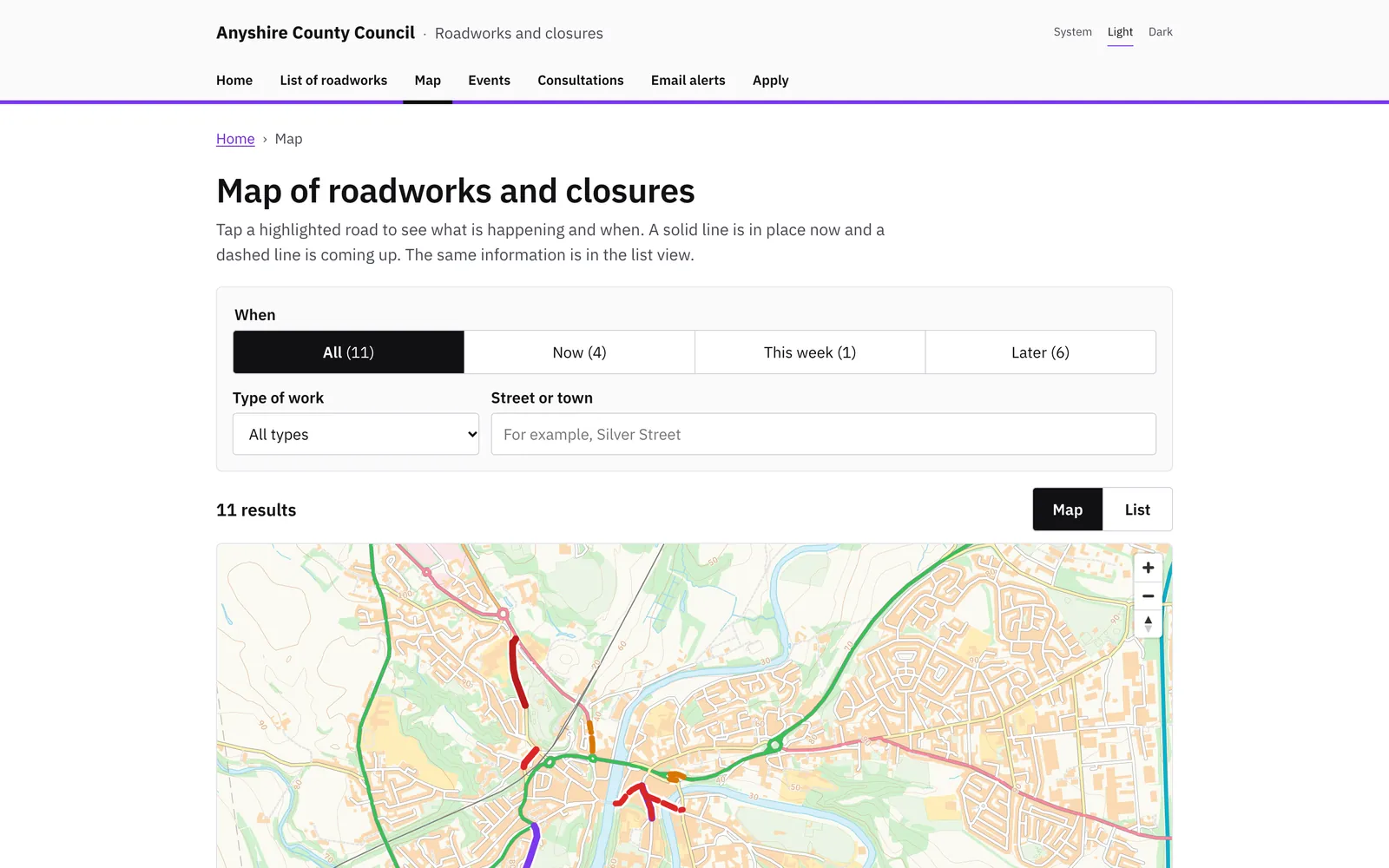
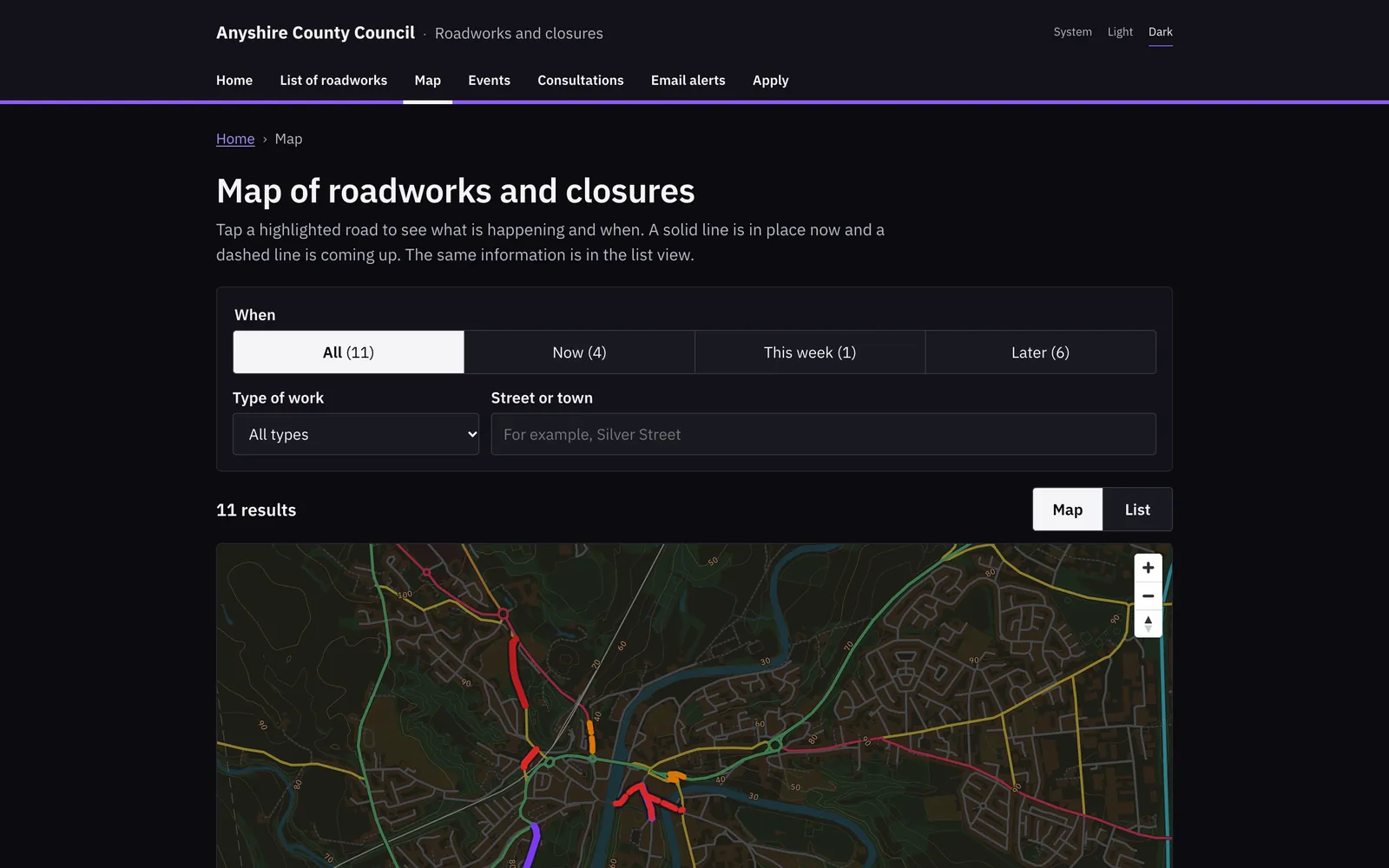
Your public site shows the works and closures your officers see, written for residents. It has a map, a page for each closure with its diversion, consultations open for comment, and email alerts for a street.
The same works go out in the formats other services read:
Built to be checked
Actions by officers, workflows and the Street Manager connector are written to the audit trail with who, when and why. Entries cannot be edited or deleted.
The officer who writes a traffic order cannot approve it. The system administrator’s role holds no permission that changes works or orders.
Each statutory notice carries a SHA-256 hash on the order’s Notices tab. A printed copy can be matched against it.
The connector monitor keeps every request to and answer from Street Manager for review.
Questions
Street Manager stays the national register of street works. Fingerpost reads permit applications and updates from it and sends your decisions back to it. Your officers do their work in Fingerpost alone.
Temporary orders, temporary notices, special event orders, experimental orders and permanent orders. Each kind has its own steps and legal checks, from the first draft to publication on D-TRO.
Permanent and experimental orders made before Fingerpost load from CSV, GeoJSON or D-TRO files. Fingerpost checks the file first and creates nothing until an officer confirms.
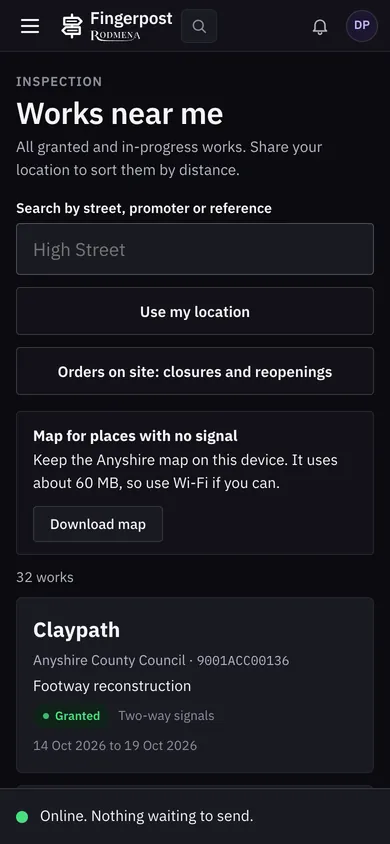
Inspectors can serve starts and stops, write notes and take photos with no signal. When the phone is back online Fingerpost sends them, and a start sent twice is recorded once. The base map of your area can be downloaded to the phone as well.
With their Microsoft work accounts, through RODMENA ID. Each officer has one of nine roles, and what they can see and change follows the role.
Your system administrator adds layers from WMS, WFS, GeoJSON, ArcGIS REST or XYZ tile services. Officers switch them on beside the thirteen built-in layers.
It aims to meet WCAG 2.2 at level AA. Its accessibility statement lists what does not meet it yet, such as parts of the map for keyboard and screen reader users.
The audit trail records who did what, when and why, whether the action came from an officer, a workflow or the Street Manager connector. Entries cannot be edited or deleted.
We show Fingerpost on a map of your own area and work through cases like the ones your teams handle. Write to us to arrange a time.
Book a demonstration